
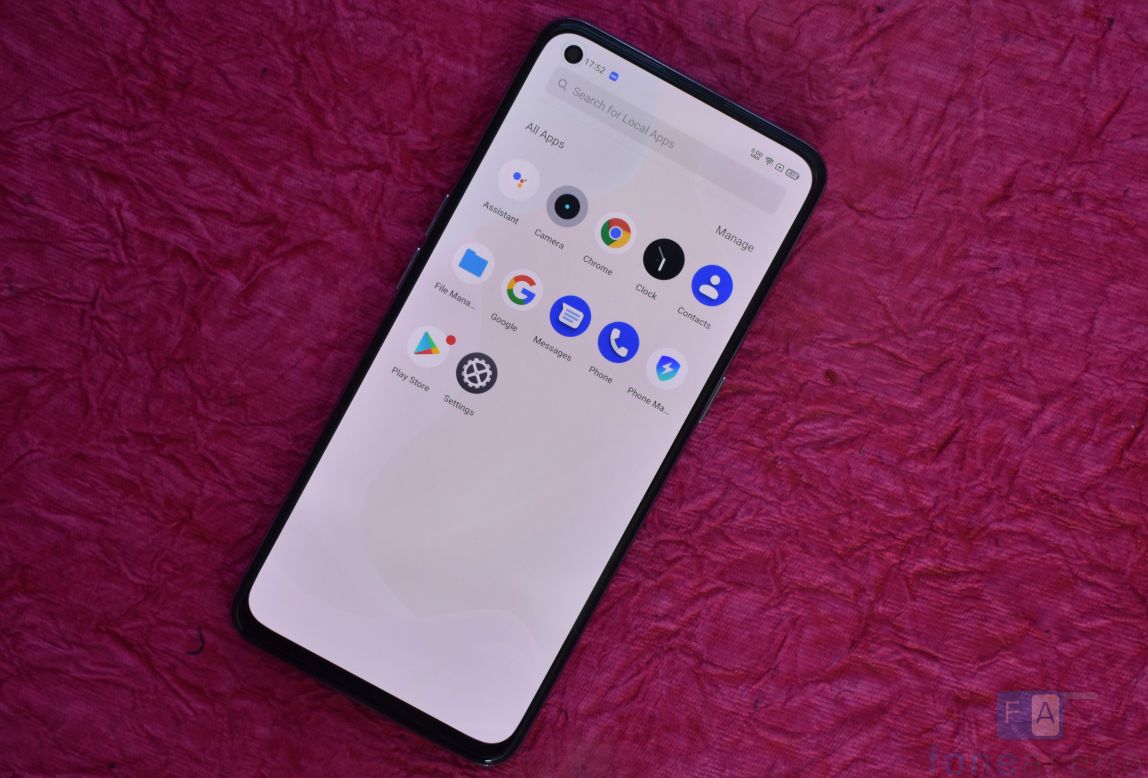
OEMs preload phones with apps to improve user experience, but not all the preloaded apps and features are important to all users or some users have their own preferred app for a particular task, for example, most of the users prefer Google Calendar and Keep Notes over Custom Calendar and Notes apps that come pre-installed with the device. If you use a phone running a forked version of Android like MIUI, realme UI or ColorOS, you must have found some apps unnecessary at some point in time.
The presence of these unwanted apps don’t only annoy users, but also consume system memory and drain the battery. Earlier we shared a workaround with our readers to uninstalled apps on Xiaomi devices, and now we are writing this post to share a workaround for uninstalling such apps on realme devices running Android 11 based realme UI 2.0. Follow this guide to uninstall unnecessary apps on your realme device,
1. Make sure that you have adb installed on your device. You can download it from the links given below, depending on the platform you’re using. Windows/ Mac. If you are on a Mac, you need to,
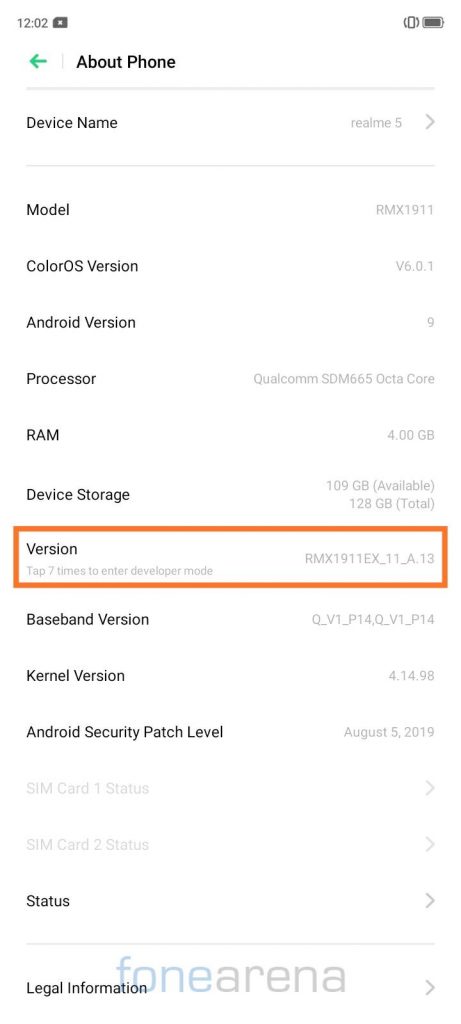
2. Now, open Settings app and go to About phone and tap on Version seven times until you see the message ‘You are now in Developer Mode’.